
INSTRUCTIONS
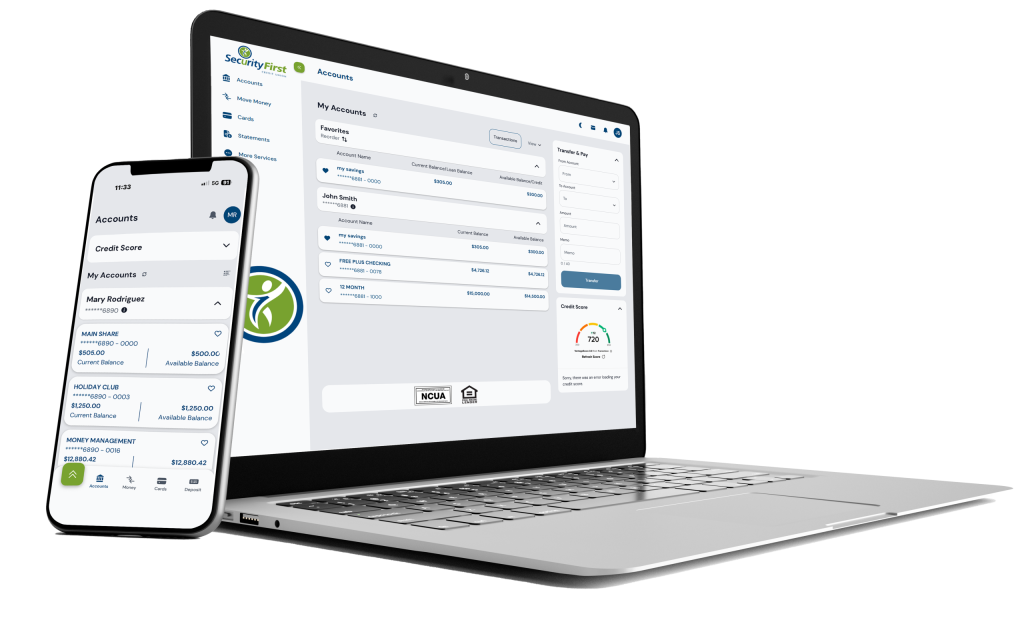
Login to the New Digital Banking Platform on August 5
To login into the new Online Banking by visiting our website homepage and clicking on the Login /Pay button:
- Sign in using your current Username and current password.
- Once entered, a prompt will come up to create a new password.
- Use your Username and new password each time you sign in going forward.
Note: You will be prompted to enter a verification code for security; this code will be sent to the email or phone number you have on file with us.
This is a one-time process and should only take a few minutes to complete!
The same Username and password will work for both Online Banking and the new Mobile Banking app.
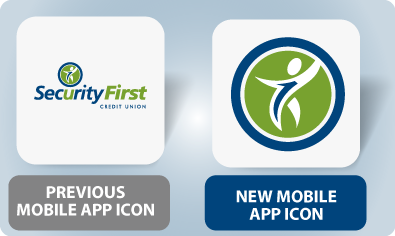
Download Our New Mobile App
Available to Update (iOS) and Download (Google) from Your App Store on August 5
- Sign in using your current Username and current password.
- Once entered, a prompt will come up to create a new password.
- Use your Username and new password each time you sign in going forward.
iOS users will not need to download the new app. The app should update as an automatic app update. However, if you update apps manually, please be sure to perform this update.
Android users will need to delete the old app and download the new app through the Google Play store.
This is a one-time process and should only take a few minutes to complete!
The same Username and password will work for both Online Banking and the new Mobile Banking app.